
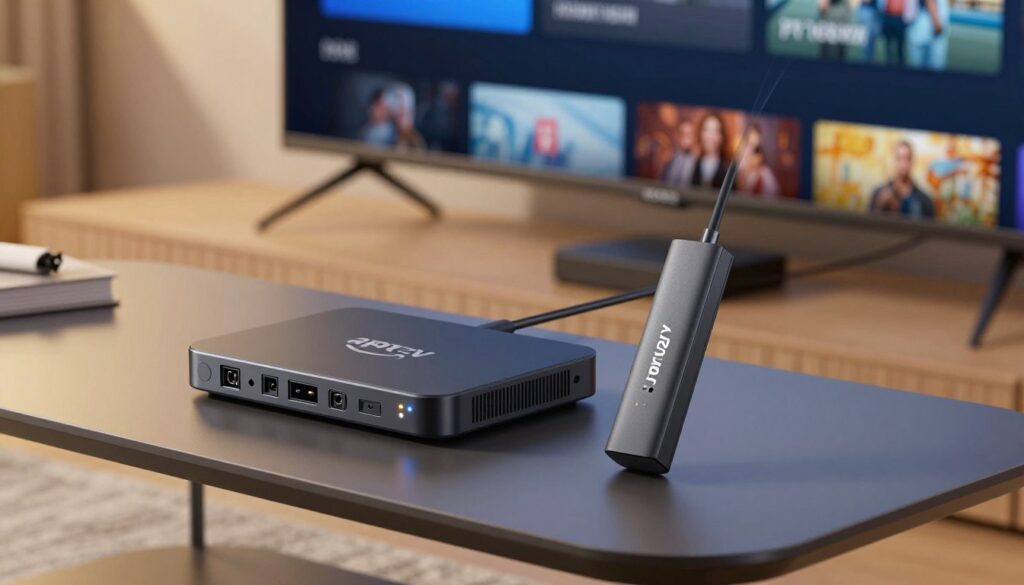
Can a small stick or a full media unit really change how you watch live sports and shows in 2025? This guide helps you pick the right streaming device so you get fewer freezes, faster app loads, and crisper picture quality on your TV.
In plain terms, an IPTV box is a standalone Android unit and a Firestick is a plug‑in HDMI stick; both run IPTV apps and deliver content to your screen.
Set expectations: “better” depends on your Wi‑Fi, whether you can use Ethernet, how many apps you install, and if you watch 4K sports or casual HD. We’ll compare performance (CPU/GPU decoding), memory, storage, app ecosystem, sideloading, network stability, and total price/value.
This is a practical, no‑hype review. You’ll see real user reports that cheap Android units can be frustrating, while higher‑end models like NVIDIA Shield often feel night‑and‑day compared to a Firestick.
If you want simplicity, you may prefer plug‑and‑play options. If you’re a power user, you’ll likely value flexibility and upgrade paths. For a quick look at compatible services, check https://getmaxtv.com, and when you’re ready, compare a legal subscription at https://watchmaxtv.com.
Key Takeaways
- Choose based on your network and viewing habits, not just brand buzz.
- Sticks are plug‑and‑play; standalone units can offer more power and ports.
- High‑end hardware often gives steadier streams and better 4K handling.
- Cheap units may save money but risk freezes and slow app loading.
- Consider Ethernet, RAM, storage, and app support before buying.
- Your budget and how you watch (casual HD vs 4K sports) decide the best pick.
Why Your Streaming Device Matters for IPTV in 2025
Your daily viewing depends on more than the app you open. Live channels, program guides, catch-up libraries, and rapid channel changes push hardware harder than a single on‑demand app.
Processing power and decoding: Decoding is what turns compressed video into smooth pictures. More CPU/GPU muscle means steadier HD and 4K playback, fewer frame drops during fast sports, and less stutter when bitrate spikes.
Memory, storage, and caching: RAM affects how many apps and EPG screens stay ready. Limited storage cuts your cache size and forces more frequent reloads, which leads to buffering and slow app restarts.
Connectivity choices: Wi‑Fi is convenient, but wired ethernet gives consistent throughput. In busy households with many streaming devices, a wired connection often removes buffering and improves peak-time stability.
Operating system compatibility: Fire OS and Android/Android TV handle apps, sideloading, and external players differently. Updates and app support determine long‑term reliability, so pay attention to the OS and update cadence.
“If you stream every day, small reliability issues become big headaches.”
Planning tip: If you watch multiple live channels each day, prioritize stability and updates over headline specs. For a quick comparison of recommended hardware choices, see the best media streaming devices.
Next, we’ll break down what an Android TV device offers versus the plug‑in stick so you can choose within your price range with confidence.
What an Android TV Device Really Is
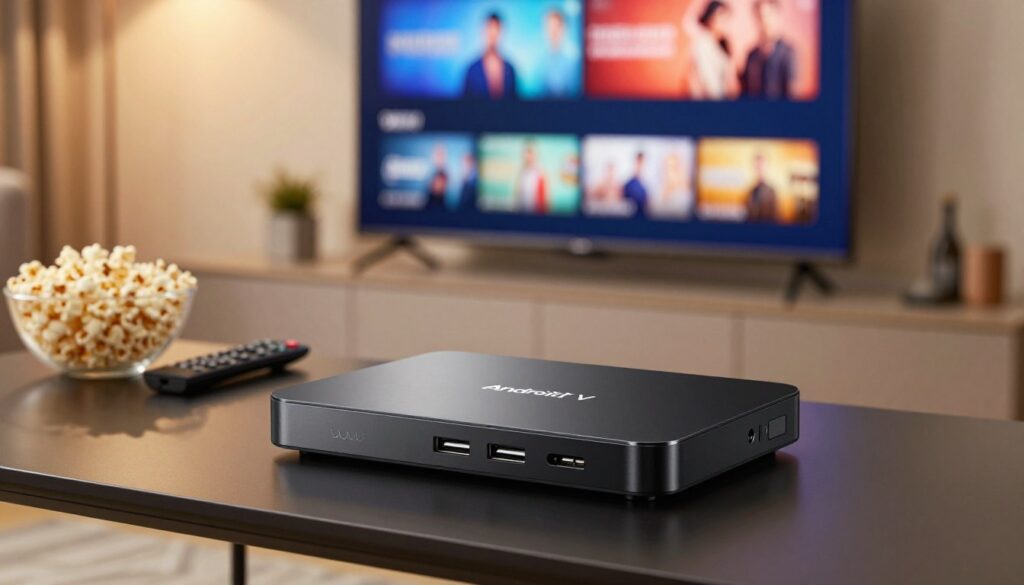
Think of an Android media device as a small living‑room computer built for streaming and apps. An android box runs the Android operating system and usually sits beside your TV like a compact media console.
Google Play access is a big advantage. With google play you get a wider app catalog, simple installs, and regular updates. That makes trying different IPTV apps and companion tools easier.
Hardware and performance range
Android boxes vary a lot. Some low-cost units have limited ram and storage. Premium models offer 3GB RAM and 16GB storage or more.
More memory and stronger CPUs help with fast channel changes, EPG scrolling, and running background apps like a VPN.
Ports and expandability
Look for USB ports, hdmi output for 4K, and ethernet for steady network speeds. These ports let you add external drives or wired internet—useful if Wi‑Fi is unreliable.
Popular models people choose
Reputable choices include nvidia shield (premium performance), Xiaomi Mi Box S (budget friendly), and Formuler units that focus on IPTV features.
“A trusted brand and verified specs reduce surprises and long‑term headaches.”
| Model | Typical RAM | Storage | Notable Ports |
|---|---|---|---|
| NVIDIA Shield | 3–4 GB | 16–32 GB | USB, HDMI, Ethernet |
| Xiaomi Mi Box S | 2 GB | 8–16 GB | HDMI, USB |
| Formuler series | 2–3 GB | 8–16 GB + USB expand | USB, HDMI, Ethernet |
What the Amazon Firestick Is and How It Works for IPTV

A Fire TV stick is a compact HDMI plug that turns any TV into a streaming hub running Amazon’s Fire OS. You buy a small, portable device that slides into your TV and boots an Android‑based operating system tailored to Amazon services.
Fire OS and the Amazon ecosystem
Fire OS is an Android‑based system customized for Amazon. It prioritizes quick app access, voiced search, and Prime content, while still letting you install popular third‑party players.
Popular 2025 models
The 2025 lineup centers on three choices: Fire TV Stick Lite, Fire TV Stick 4K, and Fire TV Stick 4K Max. The Lite is basic, the 4K adds resolution, and the 4K Max boosts responsiveness for demanding streams.
Hardware you can expect
Typical specs are about 2 GB of RAM and 8 GB of storage. That handles a few apps well, but many installations can feel tight. Newer units support Wi‑Fi 6, which helps on busy home networks, though wired Ethernet still wins for stability.
Remote and voice control
Many users enjoy the Fire TV remote and Alexa voice search. The layout and spoken search speed up channel switching and app launches, making day‑to‑day use simple.
“A compact, easy setup often makes the stick a great choice for a second TV.”
Next up: weigh this convenience against the flexibility and ports of larger Android devices. For setup pointers, see our iptv setup guide.
iptv box vs firestick which better for Performance and Picture Quality?
Daily viewing habits reveal the gap between simple convenience and true performance. Fast channel zaps, live sports, and background apps put hardware to the test.
Real-world playback: smoothness and multitasking
Feel matters: app launch time, channel switching, and recovery after a hiccup are all hardware dependent. A basic stick often handles single streams fine, but the 4K Max models sometimes show small stutters under load.
Many users report a noticeable jump when moving to an NVIDIA Shield. The Shield-class devices deliver snappier app swaps and fewer freezes during heavy use.
4K HDR formats and picture fidelity
Picture quality is more than resolution. Consistent 4K output, accurate HDR tone mapping, and fewer dropped frames make sports and fast motion look cleaner.
Multi-stream viewing and network stability
Casual viewers who watch one channel at a time will be fine on a stick. Power users running multi-view, EPGs, or catch-up libraries benefit from higher RAM and decoding power.
Ethernet on many android boxes cuts packet loss and reduces variability when several devices stream at once.
| Use Case | Typical Fit | Key Advantage |
|---|---|---|
| Single‑stream casual | Fire stick / stick | Easy setup, low cost |
| 4K sports & multi‑task | NVIDIA Shield / premium android box | Better decoding, more RAM, stable playback |
| Multi‑room or heavy household | Ethernet‑capable android boxes | Reduced packet loss, steady bandwidth |
“If you value picture consistency and fast channel zaps, a premium device with wired ethernet often wins.”
Apps, Sideloading, and Flexibility: IPTV Smarters, TiviMate, Kodi, and More
What you can run on a device often matters more than raw specs—apps shape daily use and troubleshooting. The app ecosystem decides whether you get easy installs, timely updates, and smooth playback.
Google Play on an android box usually makes discovery and updates simple. Popular players and utilities appear there first, so installing apps like IPTV Smarters, TiviMate, and Kodi is straightforward.
The Amazon Appstore is more curated, so you may use sideloading when a specific release isn’t listed. Sideloading means you install an APK file manually after enabling a setting—it’s a small extra step, and many people find it easy.
External media players such as VLC or MX Player help with codec support, subtitles, and buffering controls. These players can reduce quirks but are not a cure for a weak network.
“Sideloading gives control; use it carefully and only from trusted sources.”
Use a vpn for privacy and to reduce ISP throttling risks, but test speeds and pick nearby servers. If you like tinkering and deep control, an android box gives more flexibility. If you want a simpler set‑up, an Amazon Firestick android device still covers most daily needs—see our smart app setup.
Storage, RAM, and Expandability: Which Device Fits Your Setup?
What looks fine on day one can feel cramped after apps update and caches grow. Limited storage becomes a clear annoyance when thumbnails, EPG data, and logs slowly eat space. You end up uninstalling apps or clearing caches just to keep things working.
Why the stick form trades room for convenience: Compact sticks usually ship with about 8GB of internal storage. That small capacity fills fast. Fewer expansion ports mean you must choose what stays installed.
Expandable storage and how boxes change the game
Android box models often offer larger internal drives and USB expansion. That lets you keep your player, utility apps, and a VPN without constant cleanup.
Who benefits from higher RAM
More ram helps EPG scrolling, faster playlist loads, and smoother catch-up playback. If you run DVR-like features or multitask, extra memory reduces reloads and freezes.
“If you watch daily and hate managing space, choose a unit with more memory and expansion.”
| Use Case | Typical Fit | Storage | RAM |
|---|---|---|---|
| Travel or second TV | Stick / Fire TV stick | ~8 GB | 1.5–2 GB |
| Main living room, heavy use | Android box | 16–64 GB + USB | 3–4 GB |
| Multi‑room or catch‑up/DVR | Ethernet‑capable boxes | Expandable via USB | 4+ GB |
Quick rule‑of‑thumb: if you often manage space or see apps restart, you’ll be happier with a box that adds USB expansion and more memory. For shopping tips and recommended models, see this comparison guide and our curated android boxes list.
Price, Value, and the Best Device for Your Budget
Picking a device isn’t just about the sticker price — it’s about how often you’ll troubleshoot and what you watch.
Typical U.S. price ranges in 2025: Entry-level sticks usually land around $50–$70. Midrange android box options sit in the $80–$150 price point. Premium units like the NVIDIA Shield commonly cost $150–$220. Consider this as a price range for expected performance and longevity.
Cost vs. hassle avoided: A higher upfront cost often buys fewer freezes, more storage, and reliable updates. If you hate clearing caches or dealing with app crashes, a pricier device can save time and frustration over months.
Best fit scenarios
If you need a travel or secondary TV gadget, a compact stick is portable and cheap. For your main living room where you watch sports or 4K movies, pick a stronger android box with ethernet and extra RAM.
Cheap device risks vs premium options
Cheap units may show exaggerated specs, ship with spotty firmware, run hot, and have flaky Wi‑Fi. By contrast, Shield‑class devices usually give steady updates, robust decoding, and better long‑term support.
Quick device pick checklist
- Resolution: HD or 4K?
- Do you need ethernet for steady streams?
- How many apps will you install and run?
- Will you use a VPN or multi‑view features?
- Is remote and voice control important to you?
Subscription pairing: Even a top device won’t fix an unstable service. When you compare providers, review what GetMaxTV offers at GetMaxTV and ensure uptime and support match your device choice.
“Choose the device that matches your habits — spend more for reliability if you stream daily, save for casual viewing.”
Conclusion
Think of this as a tradeoff between simple, portable use and long‑term flexibility and performance.
Clear takeaway: a firestick is usually best when you want simplicity and portability, while an android box tends to win for flexibility, ports, and sustained performance. Consider your network (can you use ethernet?), how much storage and RAM you need, how many apps you run, and whether EPG or catch‑up features matter to you.
If you stream every day, small hiccups add up, so invest in steadier hardware and use a vpn for privacy if needed. Pick your device first, then pair it with a reliable, legal iptv subscription. For current offers, check GetMaxTV’s plans at GetMaxTV and see a detailed comparison here: Android TV vs Fire Stick guide.
FAQ
What are the main differences between an Android TV box and an Amazon Fire TV device for streaming?
Android TV boxes run a more open Android OS with access to Google Play on many models, which makes installing IPTV apps and third-party players straightforward. Fire TV uses Fire OS and the Amazon Appstore, which is more locked down but still supports popular streaming apps. Boxes typically offer more ports, storage options, and Ethernet support, while Fire TV sticks prioritize compact size, low cost, and tight Alexa integration.
How does processing power affect playback of HD and 4K streams?
A faster CPU and a capable GPU reduce frame drops and stuttering, especially with high-bitrate 4K HDR content. Devices with modern chipsets decode HEVC and AV1 more efficiently, so you’ll get smoother playback and less heat under sustained streaming loads. For reliable 4K, prioritize devices with proven hardware acceleration.
Why does RAM and storage matter for daily streaming use?
More RAM helps multitasking—running the IPTV app, an external player, and background services (EPG, catch-up) without slowdowns. Storage affects how many apps, offline files, and DVR recordings you can keep. Low storage on compact sticks often forces frequent cleanup or limits apps, while boxes often offer expandable options.
Does Ethernet make a noticeable difference for live TV and multi-stream setups?
Yes. Wired Ethernet delivers a steadier connection than Wi‑Fi, reducing buffering and packet loss during live sports or multiple simultaneous streams. If you run several streams or want the most stable 4K playback, choose a device or adapter with a gigabit Ethernet port.
Are popular IPTV apps available on both platforms?
Many apps like TiviMate, IPTV Smarters, and Kodi are available on Android TV via Google Play. On Fire TV, you can find official apps in the Amazon Appstore, and you can sideload others if needed. Availability can differ, so check the app store or be prepared to sideload when necessary.
Which device is easier to sideload apps on—Fire TV or an Android TV box?
Android TV boxes usually make sideloading and app installation straightforward via USB or direct APK installs from the Play Store alternatives. Fire TV requires enabling developer options and using tools like Downloader or ADB, which is still easy but adds a step for less technical users.
How important is VPN support and can I run a VPN on these devices?
VPNs help protect privacy and can prevent ISP throttling during high-traffic streams. Both Android TV boxes and Fire TV devices support VPN apps—either natively via the app store or through sideloading. Some advanced setups may require a router-level VPN for full network coverage.
Will a Fire TV stick with 2 GB of RAM handle advanced IPTV features like EPG and catch-up?
Basic EPG and single-stream viewing usually work fine on a 2 GB stick, but heavy use—multiple apps, background EPG refreshes, or DVR-style functions—benefits from more RAM. If you want robust catch-up and simultaneous features, choose a device with 3–4 GB or higher.
Can external media players improve playback and buffering control?
Yes. Using external players like VLC or MX Player gives you more control over buffering, codecs, and audio passthrough. Many IPTV front-ends let you select an external player for better compatibility and smoother playback, especially on devices with limited native decoding.
Is expandable storage available and how does it help?
Many Android TV boxes offer USB ports or microSD slots to add storage for apps, recordings, and media. Fire TV sticks have limited internal space; you can expand via OTG adapters but with constraints. Expandable storage is valuable if you plan to keep local recordings or large media libraries.
How do price and value compare between budget sticks and premium Android TV boxes?
Sticks usually cost less and are great for travel or secondary TVs. Premium Android TV boxes, including options like the NVIDIA Shield TV, cost more but deliver stronger performance, better networking, and advanced features for power users. Match the device to your viewing habits: casual streaming vs heavy 4K and multi-room setups.
What role does voice control play in day-to-day use?
Voice assistants like Alexa on Fire TV simplify searches, playback controls, and smart home integration. Android boxes may include Google Assistant and offer similar convenience. Voice control matters most if you rely on fast navigation and hands-free commands.
How many simultaneous streams can typical devices handle?
Single-stream viewing is fine on most devices. For multi-stream viewing or running parallel recordings, hardware limits and network bandwidth determine performance. Boxes with stronger CPUs and Ethernet handle multiple streams better than compact sticks using Wi‑Fi.
Are there recommended models for someone focused on high-quality picture and reliability?
For top-tier performance and features, consider devices like the NVIDIA Shield TV for Android TV. On the Fire TV side, the Fire TV Stick 4K Max offers a compact, affordable 4K-capable option with Wi‑Fi 6 and solid hardware. Choose based on your need for ports, expandability, and advanced settings.
Do streaming devices legally support subscription-based IPTV services?
Yes, legitimate subscription services that provide licensed streams work on both platforms through official apps or approved players. Always use legal providers and ensure apps comply with platform policies. For convenience, services like GetMaxTV may offer compatible apps or setup guidance for mainstream devices.
How should I decide between a stick and an Android TV set-top for my living room?
Start by listing priorities: 4K HDR playback, multi-room streaming, DVR features, or budget and portability. If you want heavy-duty performance, Ethernet, and expandability, an Android TV set-top is likely the better fit. If you want a low-cost, easy-to-use option with Alexa and compact design, a Fire TV stick is ideal.
The WatchMaxTV Team is a dedicated group of streaming specialists and entertainment technology reviewers covering IPTV services for viewers in the USA, UK, and Canada since 2023. Our team independently evaluates every service we feature — testing across Smart TVs, streaming sticks, mobile devices, and gaming consoles. We measure stream stability, picture clarity in HD and 4K, program guide accuracy, and customer support quality. Our goal is simple: help cord-cutters find reliable, affordable alternatives to overpriced cable. Every recommendation on WatchMaxTV.com comes from real-world testing — not sponsored content or paid placements.