
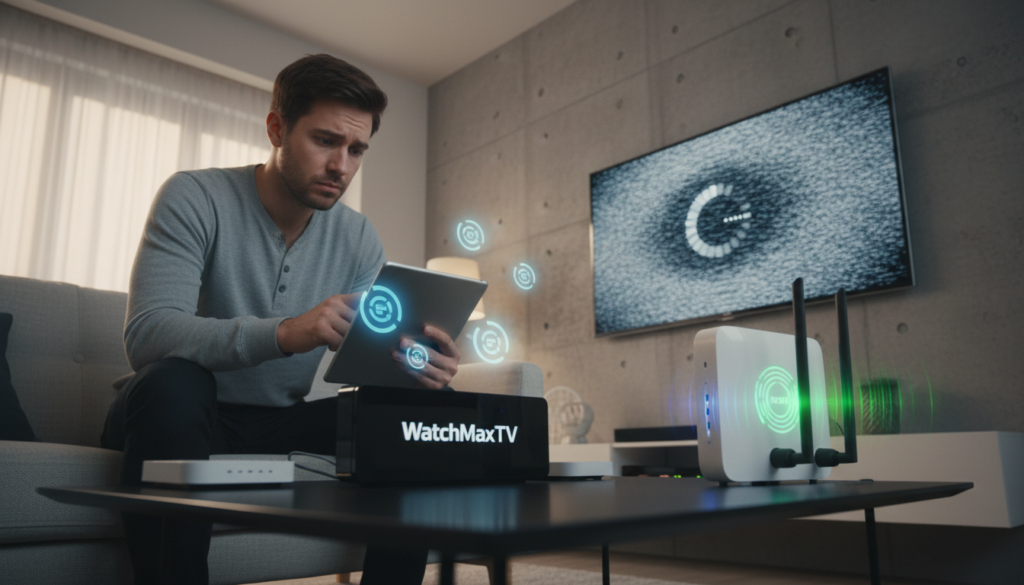
A shocking shift is happening in American living rooms. In 2026, over 80 million people have cut the cord on traditional cable. The average monthly cable bill has soared to $147, while streaming now accounts for 47.5% of all TV viewing.
This move to online entertainment promises freedom and choice. But what happens when your favorite show constantly buffers? The quality of your streaming experience depends entirely on your internet connection.
On April 25, 2024, the FCC took a major step to protect you. They reclassified internet service providers under Title II, restoring strong net neutrality rules. This aims to prevent unfair traffic management.
Yet, some providers might still engage in the practice of slowing down specific types of data. This guide will help you understand why it happens and what you can do about it. We’ll show you a clear path to identifying if your connection is being intentionally managed during peak hours.
Key Takeaways
- The FCC restored crucial net neutrality protections for consumers in April 2024.
- Despite new rules, some internet providers may still slow down certain traffic.
- Throttling often occurs in the evening when many people are streaming.
- Learning to identify a slowed connection is your first step toward a solution.
- This guide provides practical methods to test and verify your internet speed.
- You have a right to a fast and open internet for all your online activities.
- Understanding how networks work empowers you to get the service you pay for.
Understanding ISP Throttling and Its Impact on IPTV
Many viewers don’t realize their internet provider may be managing their streaming traffic behind the scenes. This practice can turn a perfect movie night into a frustrating experience of constant buffering.
What is ISP Throttling?
Bandwidth throttling, also called traffic-shaping, is a technique used by your provider. It intentionally limits speeds for specific online services or data types, like video.
When your ISP filters internet traffic into a slow lane, it often targets high-bandwidth activities. This includes popular platforms like Netflix, Hulu, or live TV services.
How Throttling Affects Streaming Quality
This method allows companies to reduce data usage across their entire network. The result is a significant drop in your high-definition video playback quality.
Even with a premium high-speed plan, your connection can be manipulated. Your provider might prioritize basic web browsing over the demanding data packets needed for smooth streaming.
Understanding how your internet traffic is managed is essential. It helps you diagnose why your video resolution suddenly drops during the climax of your favorite show.
Signs Your ISP is Throttling Your IPTV
https://www.youtube.com/watch?v=RcsrFvIKxIM
Have you ever settled in for a movie, only to have the picture freeze and the dreaded loading circle appear? These aren’t always random glitches. They can be clear clues that your connection is being managed.
Learning to spot the signs is your first step toward a smoother viewing experience.
Buffering, Lag, and Lowered Video Resolution
Constant re-buffering is a major red flag. Your video stops to load repeatedly, even with a strong signal.
Another telltale sign is when your stream’s resolution drops on its own. Your high-definition picture suddenly becomes blocky and pixelated.
This slowdown often affects other data-heavy activities, too. You might notice excessive lag in online games or very slow file downloads.
Detecting Inconsistent Streaming Performance
Pay attention to when problems happen. If your performance tanks every evening during peak hours, it’s a strong pattern.
Compare your connection quality in the afternoon versus at night. A big difference often points to network management.
Persistent issues usually stem from your provider limiting bandwidth for specific protocols. It’s not always your streaming service’s fault.
You can test for ISP throttling to get more evidence. This helps you understand if the slowdown is intentional.
Common Causes of IPTV Streaming Issues
Several everyday factors can interfere with your live TV service, and they aren’t always obvious. Pinpointing the source is your first step toward a reliable connection.
Network Congestion and Data Caps
Your neighborhood’s internet pipeline can get clogged. When many people stream at once, your provider’s local infrastructure gets overloaded.
This forces them to limit data for everyone in your area. Speeds drop during prime-time viewing hours.
Many major providers like AT&T, CenturyLink, and Xfinity also enforce monthly data caps. Hitting your limit can trigger automatic slowdowns.
Poor Routing and Overcrowded Servers
Your data doesn’t travel a straight line. A poor route between your home and the streaming server adds lag.
This happens even if your base speed test looks fine. The connection takes too many unnecessary hops.
Also, the service’s own servers can get swamped. When too many users connect to one server, quality drops for everyone.
This causes the freezing many blame on their service. For a full diagnosis, consult our detailed troubleshooting guide.
| Common Cause | Typical Symptom | Likely Source |
|---|---|---|
| Monthly Data Cap Reached | Speeds slow drastically mid-month | Your Internet Provider |
| Peak Hour Network Congestion | Evening buffering & lag | Local ISP Infrastructure |
| Inefficient Routing Path | High latency despite fast speed tests | Network Path to Service |
| Overloaded Content Server | Freezing on specific channels/VOD | Streaming Service Server |
Steps to Test Your Internet Connection
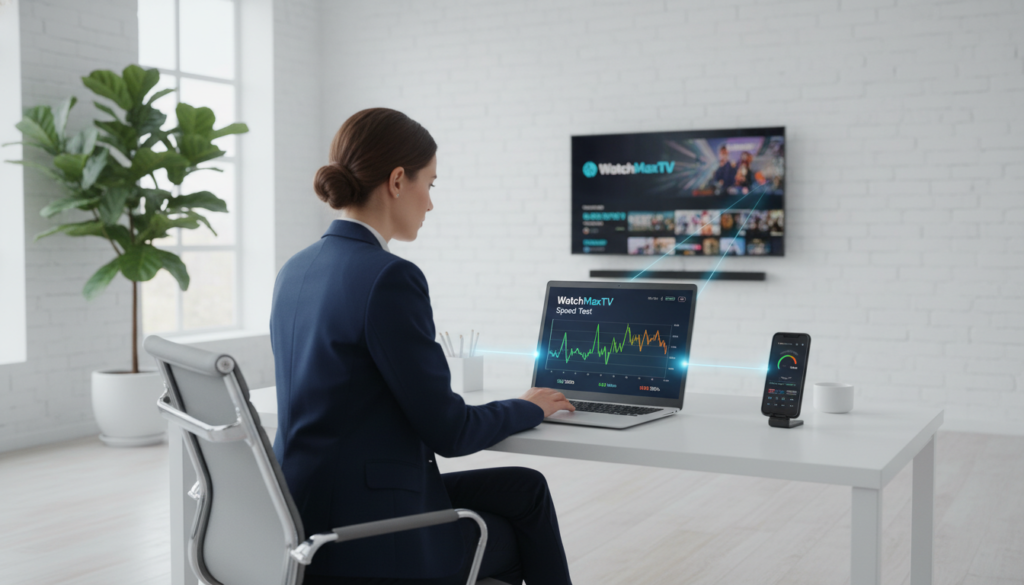
You don’t have to guess why your video is buffering. A few simple tests can reveal the truth about your network’s health.
This process gives you the evidence needed to understand your real-world performance.
Conducting Internet Speed and Health Tests
Start with a standard speed test from sites like Ookla or Fast.com. Note your download and upload speeds.
Then, run the Internet Health Test. This free tool checks your connection across major network backbones.
For a definitive check, run the same speed test while connected to a reliable VPN. A large speed increase often points to intentional slowing by your provider.
Performing a Blocked Ports Assessment
Some providers block specific network ports used by streaming apps. This can choke your data flow.
Use an online tool like Portchecker. If it shows a “rejected” status for common ports, it’s a clear sign of restriction.
| Diagnostic Test | Primary Purpose | What the Result Tells You |
|---|---|---|
| Standard Speed Test | Measures baseline download/upload rates | If speeds are far below your paid plan |
| VPN Comparison Test | Compares speeds with and without a VPN | Potential evidence of traffic management |
| Internet Health Test | Analyzes performance across major networks | Issues with backbone routing or congestion |
| Port Checker Tool | Scans for blocked network ports | If your ISP is restricting specific data pathways |
Effective ISP throttling IPTV fix
Imagine your internet connection as a private tunnel, hidden from prying eyes. A Virtual Private Network (VPN) creates this secure pathway. It is the most reliable solution to stop unwanted slowdowns.
This tool wraps your online activity in a layer of unbreakable encryption. Your provider cannot see what you are doing. They can’t separate your data into slow lanes.
Leveraging VPNs to Bypass ISP Restrictions
When you use a VPN, your traffic becomes anonymous. This prevents any targeting based on the services you enjoy. Your streaming suddenly becomes smooth and consistent.
Many users see an instant upgrade in picture quality. A blocky 720p stream can jump to crystal-clear 4K. No extra hardware is needed.
Optimizing Your Streaming Settings with a VPN
Correct configuration is simple and puts you back in control. For the best results, you need to choose the right server and protocol. Learn to optimize VPN settings for a seamless experience.
| VPN Setting | Primary Purpose | Optimal Choice for Streaming |
|---|---|---|
| Connection Protocol | Determines speed and security balance | WireGuard or Lightway |
| Server Location | Minimizes distance to reduce lag | Nearest city to your physical location |
| Encryption Level | Hides your data from your internet provider | Strong, modern encryption (AES-256) |
Advanced VPN Configuration for Uninterrupted Streaming

The right VPN settings can transform a stuttering stream into a flawless broadcast. Moving beyond the basic connection requires a few smart adjustments.
Your encrypted tunnel needs the correct setup for high-definition video. This fine-tuning ensures your live TV remains smooth and stable.
Choosing the Right VPN Protocol
The protocol is the engine of your VPN. It determines both speed and the ability to avoid detection.
For top performance, WireGuard is an excellent choice. It offers fantastic speed with very low overhead, perfect for demanding content.
If you face aggressive network filtering, specialized protocols like StealthVPN or OpenWeb are key. They disguise your VPN traffic to bypass deep inspection systems.
Server Selection and Connection Optimization
Where you connect matters greatly. Pick a server geographically close to you or your service’s origin country.
This simple step reduces travel time for data, cutting down lag. Your connection becomes more reliable instantly.
Always run a quick leak test to confirm your real IP address is hidden. Also, enable the Kill Switch feature in your app.
This safety net stops all internet traffic if the VPN drops, preventing any accidental data exposure during your movie.
Additional Tips for a Smoother IPTV Experience
Achieving consistent high-definition video often comes down to two key factors: your connection type and device health. Small optimizations here can prevent most buffering problems.
First, verify your plan delivers enough bandwidth. You need at least 10 Mbps for HD and 25 Mbps for smooth 4K content.
Wired vs Wireless Connections: Getting the Best Performance
A direct Ethernet cable to your router is the gold standard. It provides a stable, dedicated lane for data, free from wireless interference.
This is critical for 4K streaming, which demands a constant, high speed. Wi-Fi can be inconsistent due to walls, distance, or other networks.
| Feature | Wired (Ethernet) | Wireless (Wi-Fi) |
|---|---|---|
| Stability | Extremely High | Variable, prone to interference |
| Speed Consistency | Matches your plan’s maximum | Often fluctuates below maximum |
| Latency (Lag) | Very Low | Typically Higher |
| Ideal For | 4K streaming, gaming | Casual browsing, mobile devices |
Maintenance Tips: Clearing Cache and Device Management
Your streaming device accumulates temporary files. Regularly clearing the app cache frees up memory and can resolve playback glitches.
Also, reboot your modem and router monthly. This refreshes your connection to the internet and clears minor errors.
Finally, close background apps on your TV box or stick. This ensures all available speed is dedicated to your video stream, not system updates.
Why Choose WatchMaxTV
Your entertainment deserves a platform built for reliability and massive content variety. After exploring ways to improve your connection, choosing the right service is the final, crucial step.
WatchMaxTV delivers a premium experience designed for the modern viewer. It turns your screen into a global entertainment hub.
Premium Features: 21,000+ Live Channels and 97,000+ VOD Titles
Access an unparalleled library with over 21,000 live channels and 97,000 video-on-demand titles. Everything is available in crisp HD and stunning 4K quality.
The platform boasts a remarkable 99.9% uptime. This ensures your movie night is never interrupted by service outages.
| Feature | WatchMaxTV Advantage | Benefit for You |
|---|---|---|
| Content Library | 21,000+ channels, 97,000+ VOD | Endless entertainment choice |
| Streaming Quality | HD & 4K on all compatible devices | Cinematic experience at home |
| Connection Reliability | 99.9% uptime guarantee | No more frustrating buffering |
| Cost | Plans from $6.95/month | Premium service without the premium price |
Explore More at WatchMaxTV
Try it risk-free with a 24-hour trial. No credit card is required to start. You’re also protected by a 30-day money-back guarantee.
It works on all your devices like Fire TV, Roku, Apple TV, and gaming consoles. If you need help, their 24/7 WhatsApp support team is ready.
Upgrade your streaming today. Visit WatchMaxTV to begin your free trial and explore the ultimate internet television solution.
Navigating ISP Policies in the Digital Age
The landscape of internet governance saw a pivotal update in April 2024. This change directly impacts how your online experience is managed.
Understanding Net Neutrality and Regulatory Changes
On April 25, 2024, the FCC reclassified internet service providers under Title II. This action officially restored strong net neutrality rules across the country.
These regulations aim to create a fair playing field. They prevent companies from unfairly slowing down specific websites or services.
Despite these protections, network providers may still manage traffic during extreme congestion. Peak evening hours can still lead to slowdowns.
Using reputable VPNs remains a smart strategy. It helps ensure your privacy and maintains consistent speeds for all your online activities.
Staying informed about these policies helps you understand your rights. You become a more empowered consumer in the digital marketplace.
Conclusion
Empowerment in the digital age comes from knowing how to optimize your connection for entertainment. Understanding ISP throttling helps you identify when your connection is being managed.
Using a VPN is your most powerful tool. It encrypts your internet traffic, making your online activity private. This prevents any provider from limiting your bandwidth based on what you watch.
For the ultimate experience, pair a reliable VPN with a top-tier service like WatchMaxTV. This combination delivers stunning 4K quality without interruption.
Stay proactive. Regularly check your internet speeds and maintain your devices. With these steps, you reclaim an open, high-quality streaming experience every day.
FAQ
How can I tell if my internet provider is slowing down my streaming?
Will using a VPN completely stop my video from buffering?
What else can I do to improve my streaming connection?
Are all VPN services good for streaming live TV?
Can my internet plan itself cause poor streaming quality?
The WatchMaxTV Team is a dedicated group of streaming specialists and entertainment technology reviewers covering IPTV services for viewers in the USA, UK, and Canada since 2023. Our team independently evaluates every service we feature — testing across Smart TVs, streaming sticks, mobile devices, and gaming consoles. We measure stream stability, picture clarity in HD and 4K, program guide accuracy, and customer support quality. Our goal is simple: help cord-cutters find reliable, affordable alternatives to overpriced cable. Every recommendation on WatchMaxTV.com comes from real-world testing — not sponsored content or paid placements.