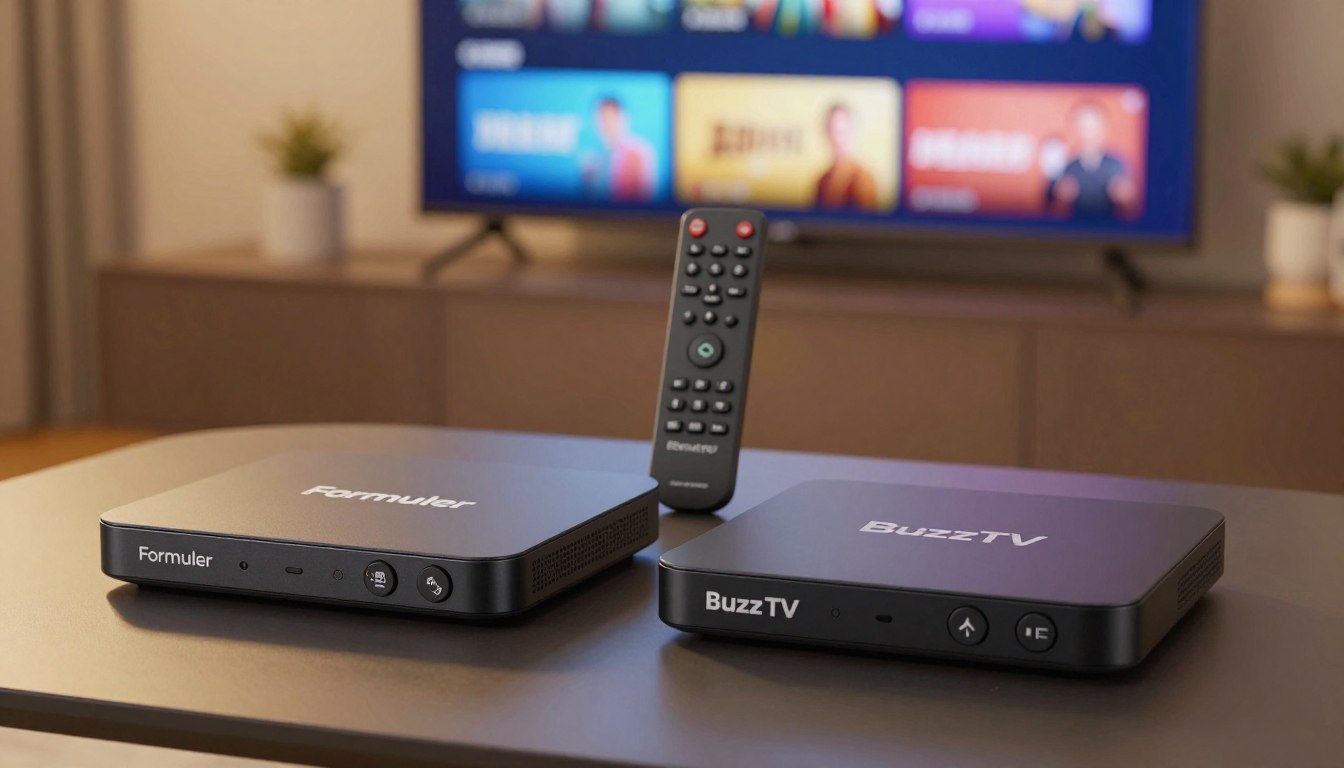
Looking for the best way to upgrade your TV setup: should your next purchase be about raw speed or daily reliability?
You want clear, usable advice — not a spec sheet. This guide gives a straightforward side‑by‑side look at two premium boxes and what makes each brand stand out for different viewers.
We cover hardware, Wi‑Fi, interface, recording, remote control, and app experience, and we say upfront what we won’t promise: no guarantees about third‑party streams.
Expect quick definitions so the rest feels easy, whether you’re new to IPTV or moving up from a basic Android device. We also note where a reputable provider, like GetMaxTV, matters as much as the device.
By the end, you’ll know which box fits how you watch TV at home. The goal is practical decision criteria — stability, daily usability, and long‑term ownership — not just peak benchmark numbers.
Key Takeaways
- You’ll get a clear, side‑by‑side intro to two leading IPTV devices.
- The review covers hardware, Wi‑Fi, interface, recording, remote, and apps.
- We don’t promise results for any specific third‑party streams.
- Find which box suits your viewing habits, not just specs.
- Service quality (example: GetMaxTV) can matter as much as the box.
- Focus on stability, ease of use, and long‑term ownership when you choose.
What an IPTV box is and how it differs from streaming apps
An IPTV box acts like a middleman that turns internet streams into live TV on your set. It connects your subscription to a player on the device and shows channels with a guide, much like a cable box.
IPTV basics in plain English: servers, players, and subscriptions
Your TV content comes from a provider’s server. That server sends video and EPG data to your player. The player runs on the box and renders channels, menus, and recordings.
Why Netflix and YouTube aren’t “IPTV” in the traditional sense
Netflix and YouTube are app-based platforms. They stream on demand from large CDNs and use individual apps. Traditional IPTV uses a server + playlist model to deliver live channels and guide data from an iptv service.
IPTV box vs Android TV box: what you gain and what you give up
An IPTV-first box focuses on live TV navigation, EPG speed, and recording features. An android box gives you more apps like Netflix, Prime Video, and YouTube.
- IPTV box: smoother live TV, built-in EPG.
- Android box: app variety and smart home features.
| Role | What it does | Why it matters |
|---|---|---|
| Server | Hosts live channels and EPG | Source of stream quality and reliability |
| Player (on the box) | Decodes and displays video | Controls channel guide and recordings |
| Your device | Runs the player and apps | Determines daily responsiveness and app access |
Who this Formuler vs BuzzTV matchup is for
Deciding which premium box fits your living room starts with the way you watch TV every day. Use this short guide to self-qualify quickly so your purchase feels like a smart choice, not a gamble.
If you want a cable-like live TV experience with EPG
Pick a device that prioritizes fast channel surfing, clear guide layouts, and instant playback controls. This works best when live viewing and quick tuning matter most to your household.
If you prioritize apps like Prime Video alongside IPTV
If you need mainstream streaming services in the same device, look for strong app support and certified players. That matters when you use on-demand apps and live channels side by side.
If you’re upgrading from an older box or a basic Android box
Upgrading typically gives you faster menus, more stable playback, and better remotes. Shared households often benefit from simple, consistent navigation over niche advanced settings.
“Choose the device that matches how you watch—speed for live TV, apps for on-demand.”
| Use case | Primary need | Quick win |
|---|---|---|
| Cable-like viewers | EPG & low-lag tuning | Stable live playback |
| App-first households | Streaming services & app store | Prime Video availability |
| Upgraders | Smoother menus & PVR | Better remotes and recording |
formuler vs buzztv comparison: the key differences at a glance
See the practical contrasts side-by-side so you can decide what matters most at home. This snapshot helps you prioritize comfort, stability, or deep feature control before you dive into specs.
IPTV-first UI focus vs broader customization
One device leans into a fast, IPTV-first interface and EPG for live TV comfort. The other gives you more layout options, deeper software tweaks, and a customizable app like BuzzTV 5 for power users.
Wireless reliability and antenna design
External antenna design can matter in real homes. Walls, floors, and router placement affect signal more than raw specs. Choose the box with better antenna range if your router sits far from the TV.
Recording features and storage strategy
Think conceptually: internal storage is convenient for casual recording. External drives and planned storage suit heavy PVR use.
TimeShift and scheduled PVR features make a difference if you record often or need automatic power-on recordings.
Remote control styles and daily usability
Remote type affects how you live with the box daily. IR remotes need line-of-sight, while Bluetooth remotes give you more control from the couch.
Look for shortcut buttons, backlight, and layout that save time for everyone in your household.
- Quick shopping table in words: pick comfort and a refined interface for easy live TV; pick customizable devices for deeper control and feature depth.
- Focus on what you use most: guide speed, recording habits, or remote convenience.
| Area | Practical difference | What to pick if you value… |
|---|---|---|
| Interface | EPG-first vs customizable layouts | Ease and quick channel surfing |
| Wireless | External antenna vs standard Wi‑Fi | Longer range through walls |
| Storage | Internal vs external planning | Casual recording vs heavy PVR use |
| Remote control | IR line-of-sight vs Bluetooth | Simple habits vs hands-free control |
Hardware and performance: processor, RAM, and real-world speed
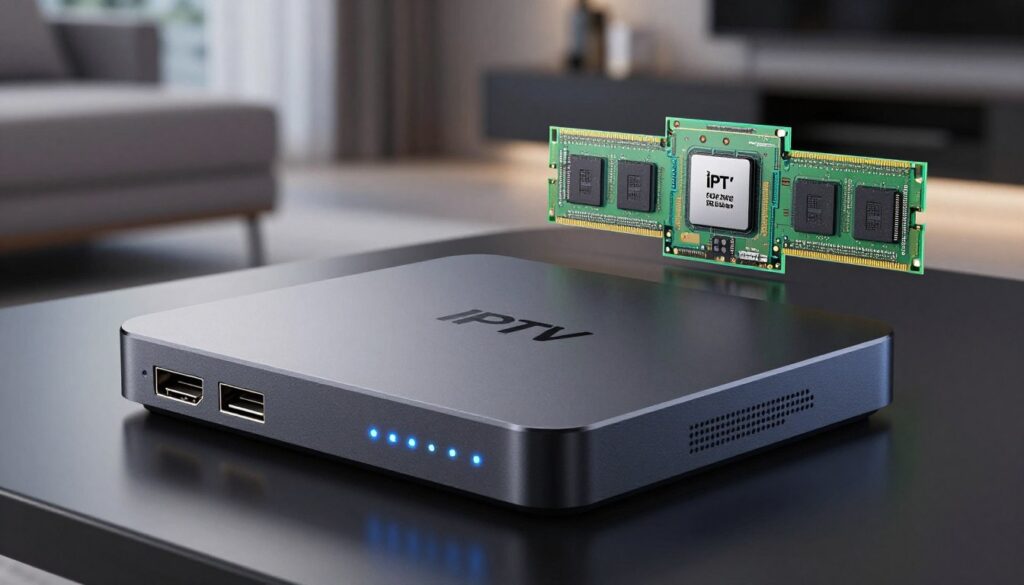
Your box’s internal parts decide whether menus feel instant or sluggish during real viewing. The processor handles decoding and menu work, while RAM keeps apps and guide data ready. Together, these hardware pieces shape how fast the system responds when you change channels or open an app.
Why CPU and memory matter for smooth playback
Processor performance affects channel changes, guide redraws, and 4K decoding. Higher clock speed and efficient cores mean fewer stutters.
RAM lets the box keep streams, guide data, and small apps in ready memory. Less RAM forces reloads and can cause brief freezes when you multitask.
What to expect under heavy use
Heavy use means recording while watching, running background downloads, and switching between apps. That workload requires more memory and a stronger processor to avoid hiccups.
Practical rule: BuzzTV recommends 2GB of ram for simple streaming through one app and 4GB for recording, gaming, or frequent multitasking. Use this as a quick decision guide when shopping for specs.
Priorities for a responsive daily experience
Pick higher RAM and a balanced processor if you want a cable-like feel rather than chasing raw benchmark numbers. Extra headroom keeps your device snappy after updates and saves you from early upgrades.
For a deeper dive into device models and memory guidance, see this detailed comparison guide: BuzzTV RAM guide and device notes.
Video quality and format support: 4K, HDR, and stability
Not every 4K label delivers a visible win on your couch — context matters more than buzzwords. You should weigh screen size, viewing distance, and whether the shows or games you watch are actually offered in higher formats.
When 4K and HDR actually make a difference
On a small TV or from far away, 4K detail fades. Bigger screens and closer seating reveal more texture and sharpness.
HDR enhances contrast and color in scenes that are mastered for it. If your content lacks HDR, the feature adds little.
What buffering really ties to: connection, decoding, and server quality
Buffering is a chain reaction: your home network, the box’s decoding load, and the provider’s servers all play a role.
If your Wi‑Fi drops or the server is overloaded, even the best device can’t fix pauses.
- When 4K/HDR is worth it: large TV, close viewing, and native 4K/HDR content.
- Stability vs peak quality: consistent playback beats occasional ultra-detail for sports and fast media.
- Checklist before blaming the box: check Wi‑Fi strength, try Ethernet, and verify your iptv services.
| Factor | What it affects | What to check |
|---|---|---|
| Screen size & distance | Visible detail and perceived quality | Measure seating and choose resolution accordingly |
| Decoder capability | Stable 4K/HDR playback | Confirm device capabilities and codecs |
| Network & server | Streaming consistency | Test Ethernet vs Wi‑Fi; check provider status |
| Content source | Actual availability of 4K/HDR content | Verify the service or channel provides the format |
For device recommendations that match real-world needs, see the best IPTV boxes guide. That will help you align capabilities with your setup and the services you use.
Wi‑Fi, Ethernet, and antennas: which box fits your home network
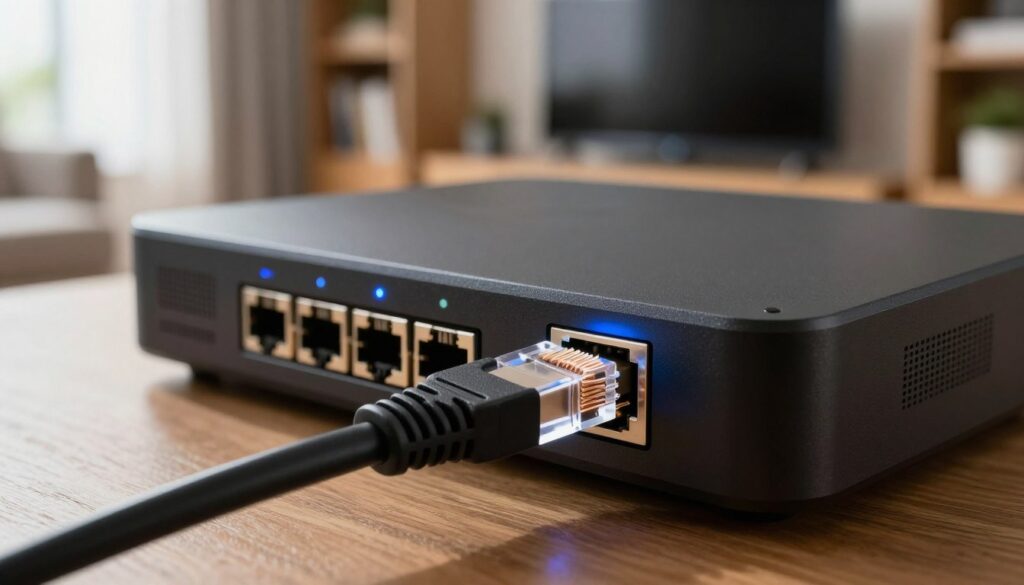
Where you put the box and how you connect it often matters more than CPU or RAM. Start with a network-first mindset: map your router, TV location, and where other devices compete for bandwidth.
External antennas help in longer-range rooms
External antenna designs give better reach in multi-story homes, garages, or distant bedrooms. If your router sits on a different floor, an antennaed device often reduces dropouts and improves everyday streaming.
Pick a device based on Wi‑Fi vs LAN needs
If you can run ethernet, pick a box that supports wired LAN—stability improves and UHD streams stress the network less. If wiring isn’t possible, choose models with strong antenna designs or Wi‑Fi 6 support.
Wi‑Fi 6 and 2T‑2R explained
Wi‑Fi 6 means less congestion in crowded apartments. 2T‑2R (two transmit, two receive) uses two antenna streams to cut dropouts. These features help when multiple phones, TVs, and smart home devices share the same network.
When ethernet is the best choice
Use ethernet for consistent 4K/UHD playback, recording while watching, or in condos with noisy Wi‑Fi. Wired connections give you the most reliable option among your options and make your iptv box handle heavy-duty streaming and PVR tasks with fewer issues.
Software experience and interface: EPG, navigation, and daily comfort
Your daily channel-swapping habits reveal more about the right interface than raw specs ever will. The software and guide shape how often you smile at the TV and how often you get frustrated.
Why Formuler is known for a strong IPTV user interface and EPG
EPG-first layouts make it easy to browse like cable. Fast loading, clear typography, and stable time alignment matter when you scan many channels.
The result is a calm daily experience for users who like deep guide browsing and predictable navigation.
BuzzTV’s interface strengths: speed, layout, and category sorting
Speed-focused navigation helps you flip channels fast and reach categories with fewer clicks. Custom layout choices and solid category sorting keep big channel lists tidy.
That software design favors users who want quick access and hands-on organization rather than a strict cable-like flow.
- What to check fast: clicks to open the guide, channel switch delay, and back-button predictability.
- Decide by habit: heavy guide browsing or quick channel flipping and whether customization helps or adds friction.
“The interface is the product you live with every day — pick the one that fits how you watch.”
For related device options in the UK and to match a box with your setup, see recommended iptv boxes.
Built-in IPTV apps vs third-party players: MyTVOnline, BuzzTV 5, and TiviMate

The player you pick shapes setup time, daily reliability, and how portable your settings feel.
Manufacturer apps deliver a ready-made, integrated flow. They often boot fast, keep guide alignment clean, and simplify factory resets so you can be back in minutes.
Formuler’s bespoke app appeal and fast re-setup
One major advantage is quick recovery after a reset. A user reports they can factory reset and restore service in under five minutes. That matters when you value a predictable, iptv-first experience.
Why some users still prefer TiviMate
TiviMate wins on familiarity and cross-device consistency. Many users like its layout and how easy it is to move a subscription between boxes. If you change hardware often, a third-party app can save time.
How to choose based on playlist/EPG habits
Consider these points before you pick:
- Setup time vs portability: built-in apps are fast; third-party apps are portable.
- Feature needs: BuzzTV 5 bundles PVR and TimeShift across devices for recorders.
- Playlist style: multiple playlists and heavy category management often suit third-party apps better.
Quick rule: choose the player experience you want first, then pick the box that runs that app most smoothly for your daily streaming needs. For a broader look at player options, see this best IPTV player roundup.
Remote control and shortcuts: IR vs Bluetooth and customization
A good remote makes everyday TV feel effortless, even if your box is tucked out of sight.
Why it matters: the remote control shapes how fast you open the guide, change channels, or pause live TV.
BuzzTV remote options and line-of-sight freedom
Many models offer IR and Bluetooth options. IR needs a clear line to the box. Bluetooth remotes work when the box is hidden. That means fewer dead zones and less fumbling behind the TV.
Shortcuts, backlight, and quick settings that save time
The BT-400 adds a Smart Remote App for pairing, TV power/volume/source control, and an optional backlight. Shortcut buttons jump to guide, recordings, or apps in one press.
What to prioritize for shared households
When others use your device, pick clear labels, a consistent back button, and obvious shortcuts. Those small features reduce questions and keep the living room peaceful for all users.
| Area | Why it matters | What to look for |
|---|---|---|
| Line-of-sight | Stops missed presses when box is hidden | Bluetooth option or RF remote |
| Integration | Single remote for TV power and volume | Smart pairing app and TV control |
| Ease of use | Faster access and fewer mistakes | Backlight, labeled shortcuts, logical layout |
| Household fit | Less training for non-tech people | Simple icons, consistent behavior, durable buttons |
Recording, PVR, and TimeShift: how each brand handles DVR-like features
Recording tools on modern IPTV boxes can turn live TV into a flexible, DVR-like experience.
TimeShift basics: TimeShift lets you pause live TV, rewind a few minutes, and fast-forward back to live. This works with most live streams, but compatibility depends on the channel and the service.
Convenient scheduled recordings
No Hassle PVR+ adds scheduled recording that can power the device on and capture shows automatically. That frees you from manual start/stop and helps avoid missed programs.
Storage planning
Internal storage is handy for light use and quick access to recent recordings. For heavy recording, plan on expandable storage via USB or a 2.5″ SATA bay if the model supports it.
Backup and restore
Protect your setup: back up guide settings and playlists so you can restore quickly after a reset. A fast restore saves time and keeps recordings organized when you change devices.
- Quick takeaway: choose a box based on how often you record, not just whether it lists PVR as a feature.
- Consider drive type (USB vs SATA), capacity, and folder organization before you fill up storage.
“Practical DVR use hinges on stream compatibility and the storage you plan for, not just the label on the box.”
Apps and streaming services: how “Android box” features affect your choice
Choosing a box that handles both live channels and streaming apps means balancing convenience with everyday performance.
If you mainly use mainstream streaming services like Prime Video, YouTube, or Netflix, an android box gives you easy access to those apps out of the box. You get a familiar app store and simple logins for family profiles.
When app ecosystems matter
Pick an android box when your household opens apps more than channels. It makes sense if you stream movies and on‑demand shows every night and want app updates and native DRM support.
Why purpose-built IPTV boxes feel smoother for live TV
IPTV playback stresses channel switching, EPG redraws, and long recording sessions. Boxes designed for IPTV often prioritize those tasks and deliver snappier channel zaps and guide responsiveness.
- Don’t confuse “can run apps” with “runs live TV smoothly.”
- A cheap general-purpose device may support apps but lag on EPG or PVR tasks.
- Decide if you need one device to do everything or two devices for best performance.
| Need | Best match | Why it fits |
|---|---|---|
| Mainly apps (Prime Video, Netflix) | Android box | App store access and DRM for paid services |
| Frequent live TV & recordings | IPTV-first device | Faster EPG, channel switching, and PVR stability |
| Mixed use | Consider two devices or a high-end android box | Balance app access and better hardware for IPTV |
Ask yourself: how many apps do you use, how often do you watch live TV, and who will operate the remote? Your answers make the choice clear. For help pairing the right hardware with a reliable service, see this guide to best IPTV solutions for 2025.
Setup, updates, and support: what ownership looks like over time
Setting up your new IPTV box should be quick, predictable, and worry-free. You want to add your service details, load EPG, and be watching in minutes. A clear setup path saves you time and frustration.
Fast setup expectations and easy restore
Expect simple steps: enter account details, load the guide, and tune a channel. A user reports a factory reset and full restore in under five minutes. That quick restore proves a well-designed system.
Firmware updates, stability, and long-term usability
Look for steady software updates and clear version notes. Regular bug fixes beat flashy new features when they keep your device reliable over time.
- What easy setup looks like: clear prompts, backup options, and fast EPG sync.
- Why restore workflows matter: quick recovery if you switch service or troubleshoot.
- Support quality: good docs, active forums, and responsive support reduce ownership headaches.
- Ownership checklist: update history, backup/restore, and clear setup steps before you buy.
For more on choosing reliable hardware and recommended IPTV boxes, see our recommended IPTV boxes. Good support and a stable system save you time across the year.
Price and value in the premium box market: which is the best IPTV box for you
A smart buy in the box market balances daily reliability with features you’ll actually use. Price is important, but long‑term value comes from stability, timely updates, and a supportable setup.
Paying for reliability vs paying for features you won’t use
Spend for steady playback, fast restores, and good remote ergonomics if you watch live TV often. Avoid overpaying for extreme specs you will never use.
Profiles that point you to Formuler
If your priority is a guide‑first, low‑fuss live TV experience and quick restore workflows, choose the box that keeps daily viewing calm and predictable.
Profiles that point you to BuzzTV
If you want deeper PVR/TimeShift control, customizable layouts, and advanced remote options, pick the product that gives those power‑user tools.
Pairing your box with a trustworthy IPTV service provider
The box is only as good as the iptv service behind it. Server quality and support shape your real viewing. Review legitimate providers and check support policies.
For a reputable service to consider when you want solid support, see GetMaxTV at GetMaxTV. Also research box options at best iptv box guide.
- Check your network type (Wi‑Fi vs Ethernet).
- List recording needs and interface preference.
- Match realistic price to daily value, not peak specs.
Conclusion
The right box is the one that quietly makes your living room work better every night. Focus on daily interface comfort, network stability, recording needs, and remote usability when you choose.
Pick an IPTV-first device if you want simple channel surfing and fast EPG. Choose a more customizable device when DVR-like features and deeper layout control matter most.
Remember: consistent streaming depends on the full chain — the device, your home network, and the quality of the services you subscribe to. Favor legal subscriptions and vendors with clear support.
For device suggestions and recommended IPTV boxes, see our recommended IPTV boxes. If you want a legal IPTV subscription, check GetMaxTV’s current offer at https://watchmaxtv.com.
FAQ
What is an IPTV box and how is it different from streaming apps like Netflix?
An IPTV box is a dedicated device that receives TV channels and on-demand content from IPTV services using internet protocols. Unlike Netflix or YouTube, which are single streaming apps delivering on-demand libraries over standard internet streams, an IPTV box combines a live TV experience (channel lists, EPG, and often DVR features) with the ability to run apps. You get a cable-like guide and sometimes recording, whereas apps focus on their own catalog and subscription model.
How do IPTV servers, players, and subscriptions work in simple terms?
Your IPTV service hosts channels and on-demand files on servers. The IPTV player app on your box connects to those servers using your subscription credentials, loads the channel list (playlist) and EPG, and decodes the stream for your TV. You subscribe to a service, input the credentials or playlist into a player, and then tune channels like you would on cable.
Can an IPTV box also run Prime Video and other streaming services?
Yes. Most premium IPTV boxes run Android-based systems or custom firmware that allows installing apps like Prime Video, Netflix, and YouTube. However, app availability and DRM-supported quality levels can vary by device. If access to mainstream streaming apps matters to you, check each box’s app support and certification.
What do you gain or lose by choosing an IPTV-first box over a general Android TV box?
IPTV-first boxes prioritize a polished EPG, channel navigation, and DVR features, so live TV feels native and fast. You might lose some general-purpose app polish or broad Android compatibility, though many IPTV boxes still support major streaming apps. If live TV is your priority, the IPTV-focused interface usually wins.
Who should consider a premium IPTV box instead of a basic Android box?
Choose a premium IPTV box if you want a cable-like live TV experience with a strong EPG, reliable recording/PVR, and responsive channel switching. It also fits well if you use playlists and EPG frequently or if you’re upgrading from older hardware and need smoother navigation and better network performance.
How do the UIs differ between IPTV-first devices and more customizable boxes?
IPTV-first UIs center on channel lists, EPG layout, and minimal setup for playlists. Customizable boxes focus on app organization, launchers, and sideloading. IPTV-first UIs tend to reduce friction for live-TV users, while customizable boxes give you flexibility for apps and personal layout tweaks.
How important are CPU and RAM for real-world streaming, recording, and multitasking?
CPU and RAM directly affect menu responsiveness, channel zapping speed, transcoding/recording stability, and running multiple apps. For basic streaming 2GB can work, but heavier use like simultaneous recordings, 4K playback, or app multitasking benefits from 4GB or more to avoid slowdowns.
When will 4K and HDR actually make a noticeable difference?
4K matters on TVs that support it and when the source stream is true 4K. HDR shows improved contrast and color if your TV supports the HDR format used. For smaller screens or low-quality sources, you’ll see less benefit. Also ensure your box, app, and service support the same formats.
Should you rely on Wi‑Fi or pick Ethernet for UHD streams?
Use Ethernet for the most stable UHD streaming and consistent low latency, especially for 4K or heavy multi-room setups. Wi‑Fi can work if you have a strong modern router and the box supports Wi‑Fi 6, but wireless interference can still cause buffering.
Do external antennas really improve wireless range?
External antennas can improve reception and range by boosting signal sensitivity and directionality. If your box supports an external antenna, it can help in larger homes or with weaker router placement, but results vary by environment and router quality.
How do recording, PVR, and TimeShift features compare across premium boxes?
Feature sets vary: some boxes offer robust scheduled recording, TimeShift for pausing live TV, and easy playback management. Look for automatic power-on for scheduled recordings, support for large external drives, and clear library management. Storage strategy—internal vs external—changes how many hours you can keep.
What storage options should you consider for PVR and app installations?
Internal storage is convenient for apps and some recordings, but it fills fast. Expandable options like microSD, USB drives, or NAS support give far more space for PVR libraries. Choose a box with USB 3.0 or reliable LAN-attached storage support for best performance.
Why do some users prefer third-party players like TiviMate over built-in apps?
Third-party players often offer customization, cleaner channel lists, advanced EPG handling, and better playlist management. If you switch services or like a particular layout, a third-party player can be more flexible than a manufacturer’s bespoke app.
What remote control features matter most for daily use?
Look for Bluetooth for non-line-of-sight control, backlit buttons for low-light use, dedicated shortcut keys for your favorite apps or inputs, and ergonomic layout. Family-shared boxes benefit from simple pairing and clearly labeled buttons.
How do firmware updates and manufacturer support affect long-term usability?
Regular firmware updates improve stability, add features, and patch security issues. Good vendor support makes setup easier and reduces long-term headaches. Check the vendor’s update history and user community feedback before buying.
How should you balance price and value when choosing a premium IPTV box?
Pay for reliability and features you’ll actually use: a better CPU and more RAM for heavy use, strong Wi‑Fi or Ethernet for UHD, and solid DVR capabilities if you record a lot. If live TV is central, prioritize EPG, PVR, and network stability over flashy extras.
How do you pair a box with a trustworthy IPTV service provider?
Choose a reputable IPTV provider with clear subscription terms, server stability, and good EPG support. Match the provider’s stream formats and bitrate expectations to your box’s decoding capabilities and your home network to avoid compatibility issues.
What should you check during setup to ensure fast restore and easy maintenance?
Back up your settings and playlists, use cloud or local backups if available, keep firmware updated, and document your subscription credentials securely. Fast restore is easier when the box supports export/import of settings and has clear backup tools.